Cortex Panel
Ask five health and science experts one question. Compare their answers side by side, with the exact book page or podcast timestamp under every claim.

Every claim linked to its source
Listeners who follow health and science podcasts hear the same questions debated across dozens of shows: protein intake, sleep architecture, Zone 2 cardio, creatine. Each researcher answers inside a different three-hour episode, and their recommendations frequently diverge.
Cortex Panel indexes those transcripts, books, and newsletters into a structured retrieval engine. You seat up to five experts on a panel and ask one question. Each expert’s response is compiled strictly from their published corpus, with verbatim quotes and episode timestamps attached to every claim. Above the individual cards, a Moderator synthesis maps where the panel agrees and where they split.
I designed and built the entire system: the editorial interface, the Ledger design system, the multi-factor vector retrieval pipeline, and the corpus ingestion tooling.

Seat up to five experts and ask once
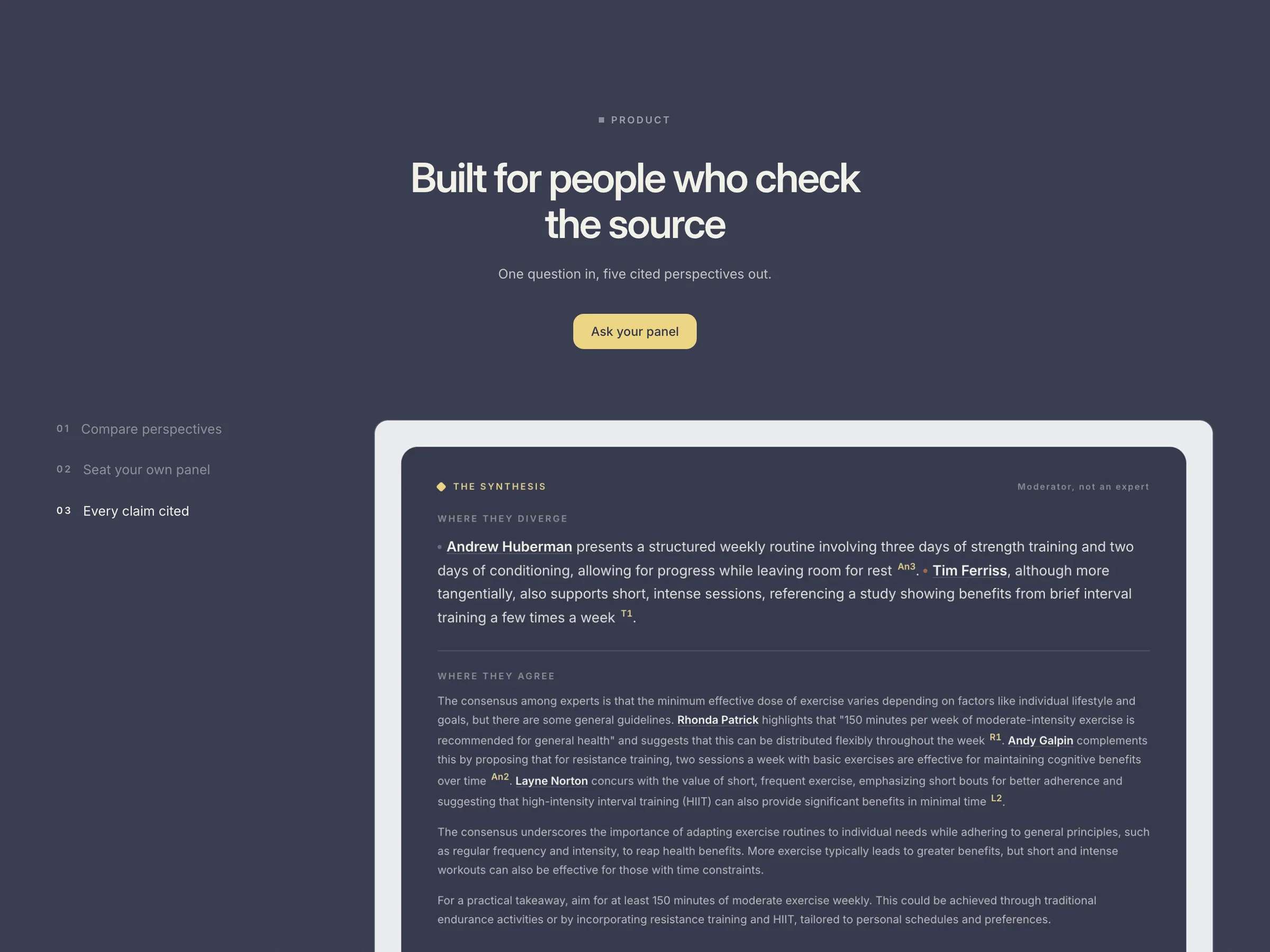
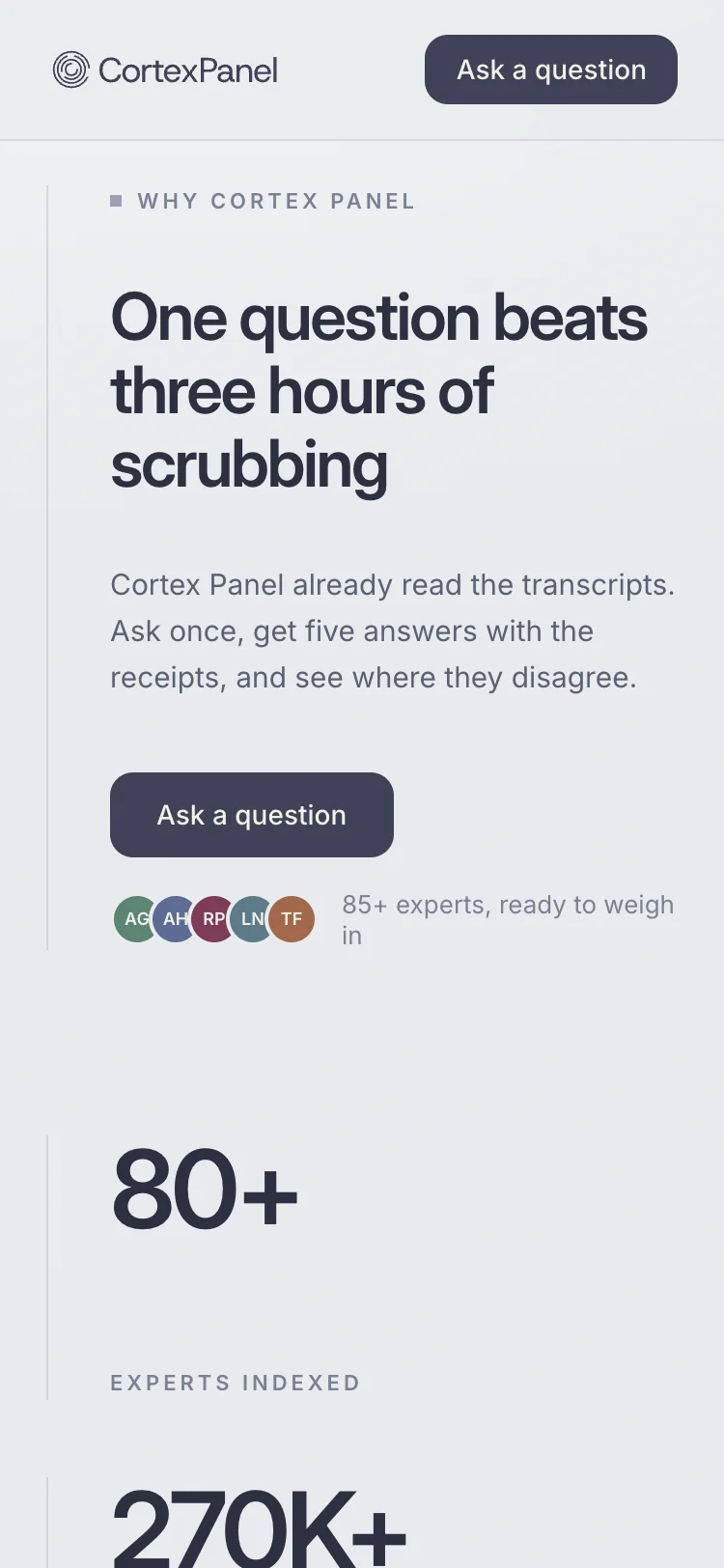
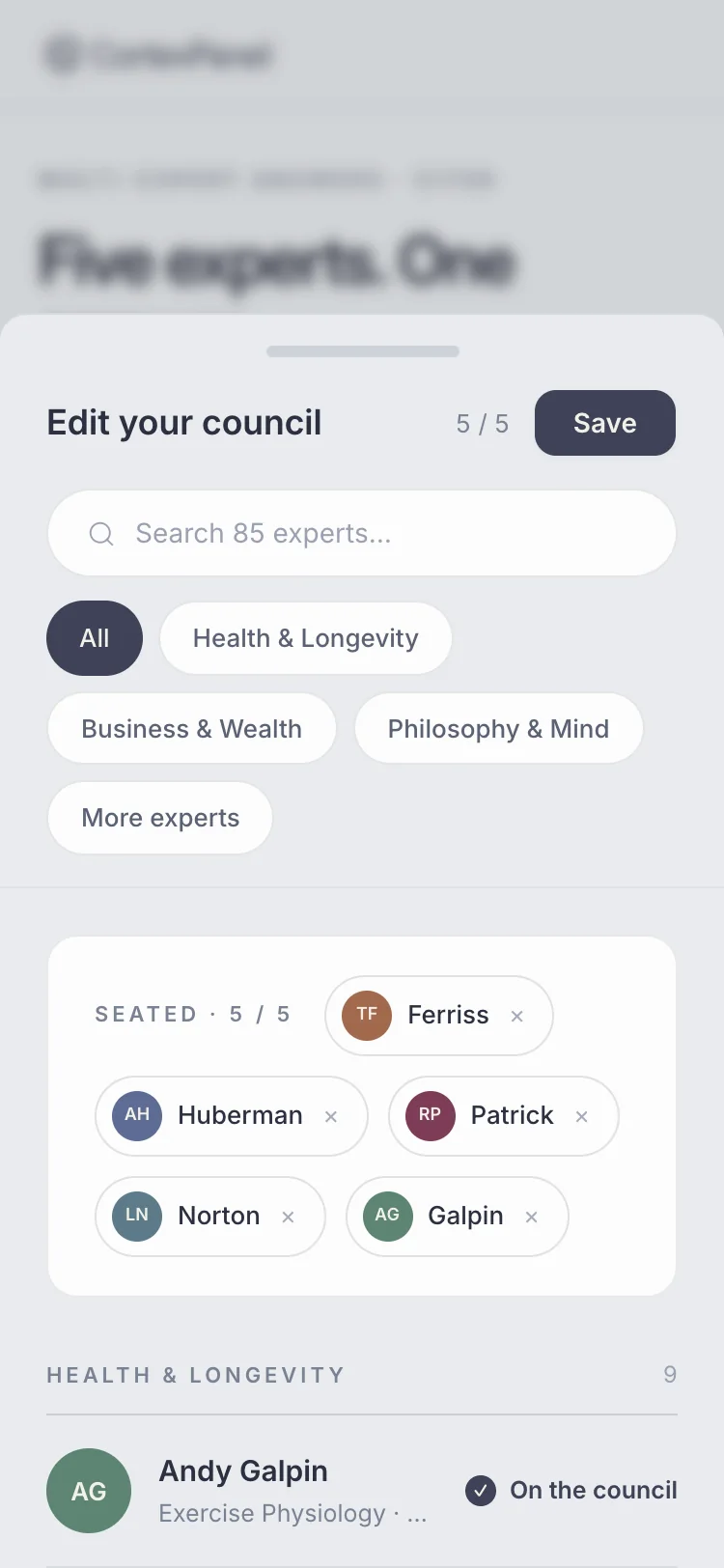
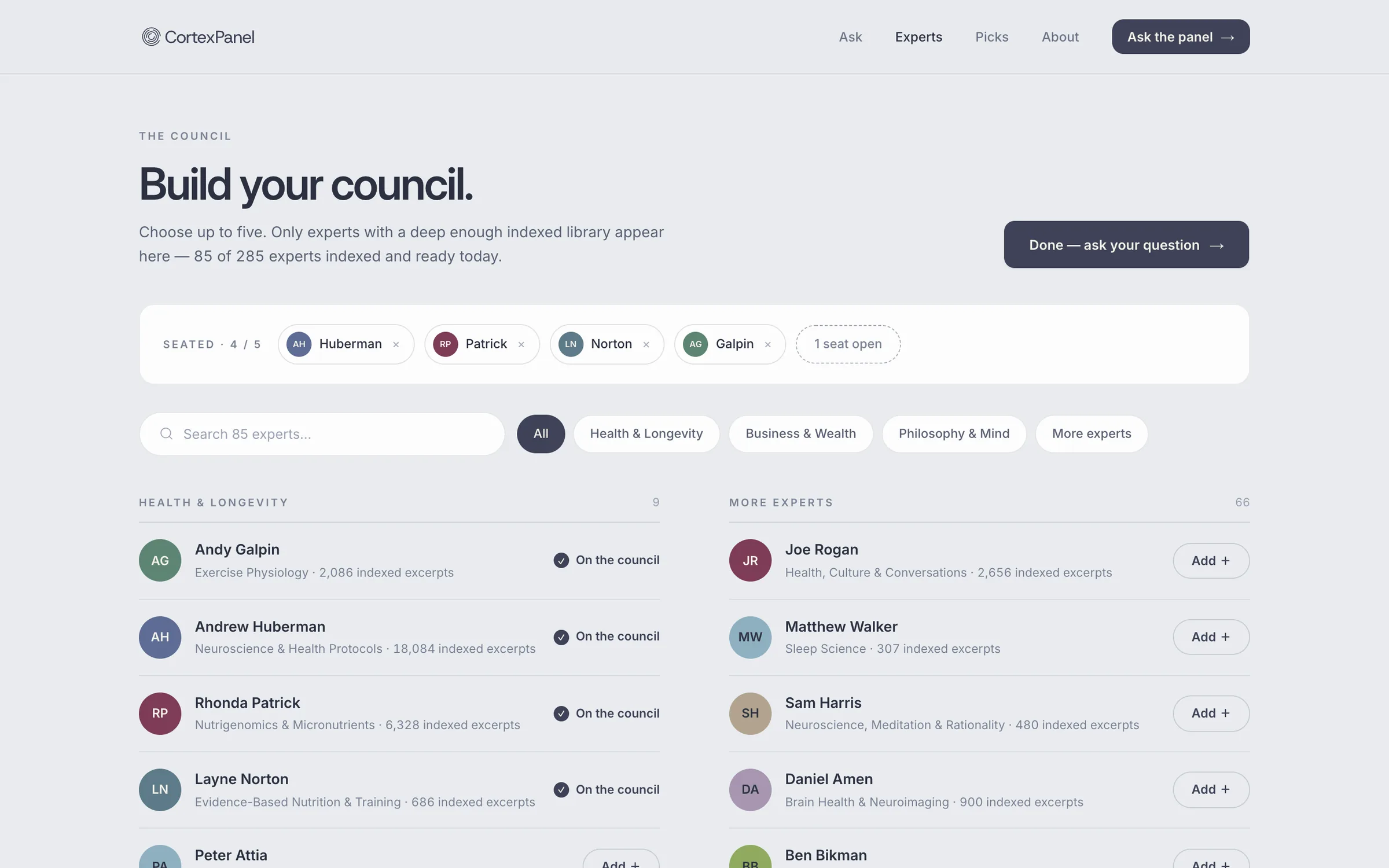
The Ask view centers on the question input, flanked by a right-hand rail showing your currently seated five-person council. Your selected roster persists in local storage across sessions; if you leave seats open, the retrieval router automatically selects the five experts whose indexed corpus has the highest domain relevance for your query.
Rather than mimicking a conversational chatbot with avatars and message bubbles, the interface is structured like an academic panel. The Experts directory filters the full roster by domain and only lists practitioners whose indexed library passes a minimum coverage threshold.

Third-person attribution and confidence tiers
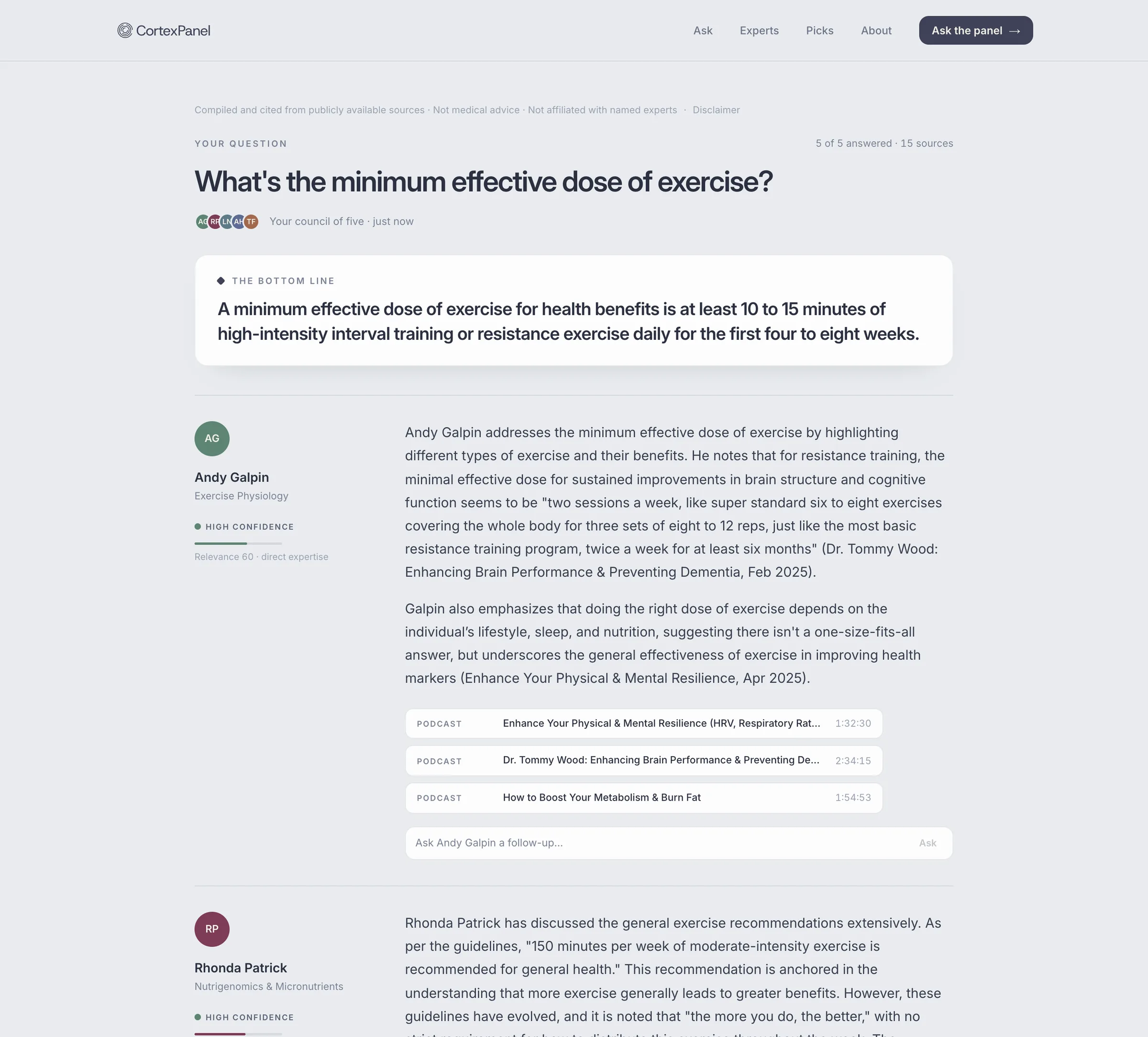
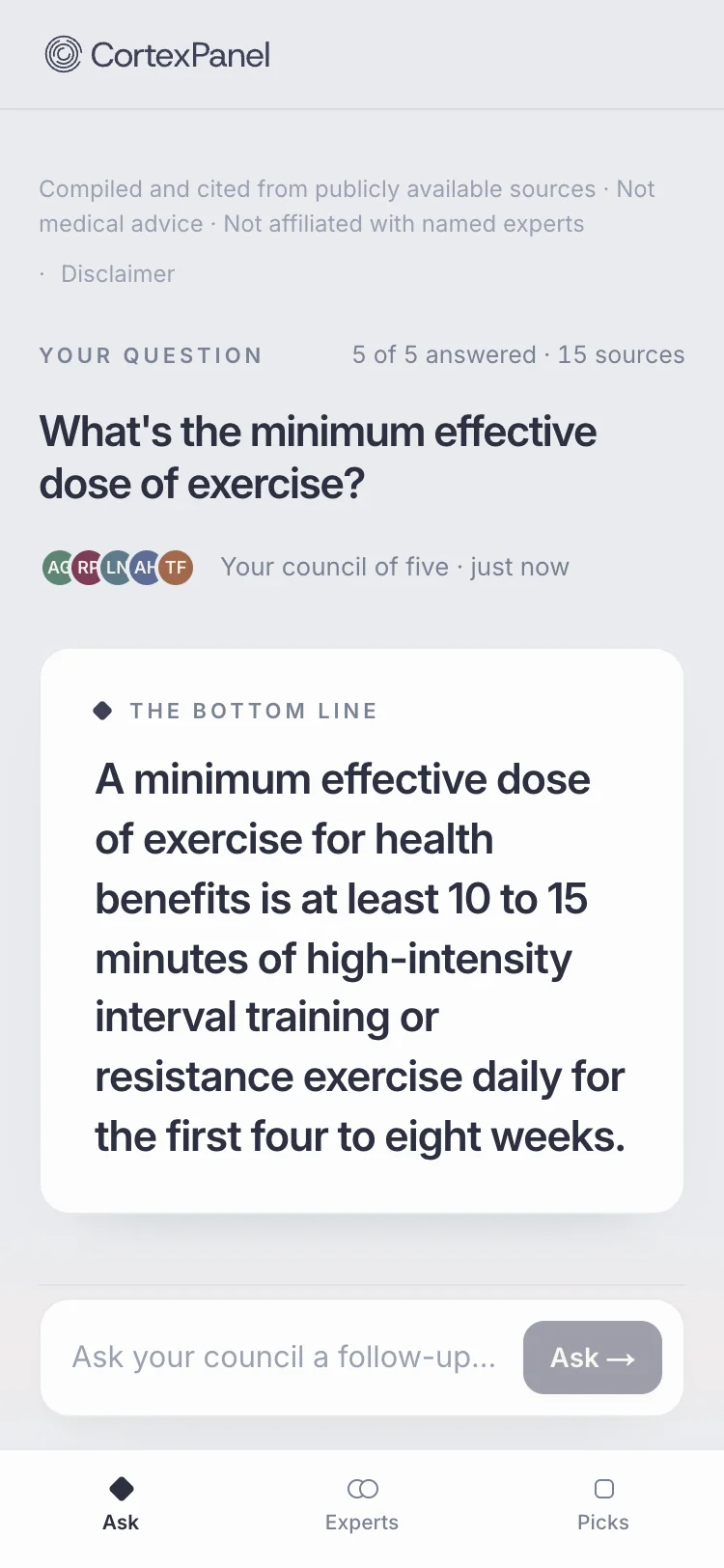
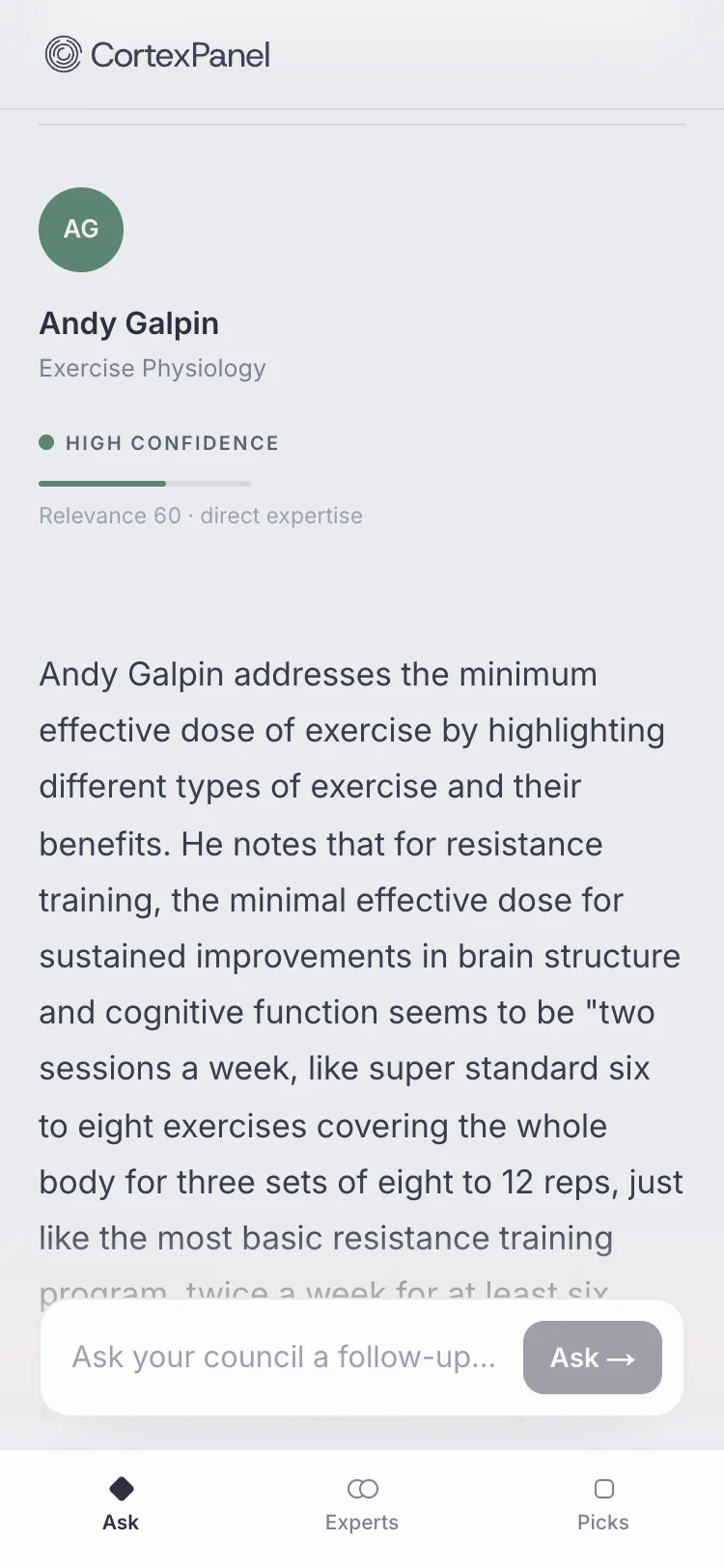
The Answer page opens with a single-sentence bottom line, followed by five structured expert rows. Each row places the expert’s identity, domain, and retrieval confidence tier in a left-hand metadata rail so readers can scan down the page and compare positions quickly.
Every card is written in third-person editorial attribution (“Attia argues that…”) rather than first-person roleplay. An early prototype generated responses in the first person (“I tell my patients…”), which blurred the boundary between verbatim quotes and model synthesis. Third-person reporting keeps a strict line between what the person actually said on record and how the system summarizes it.
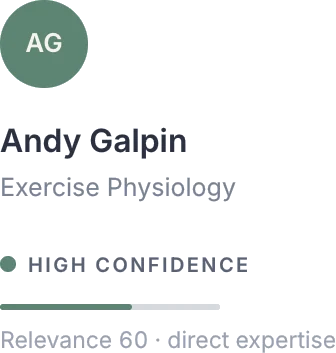
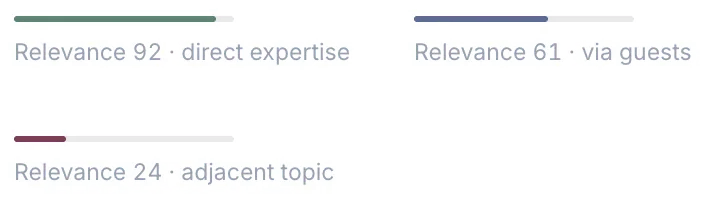
Each response displays a computed confidence badge (High, Moderate, or Tangential) and a numeric relevance bar (0–100) derived from the retrieved passages. When a seated expert has no relevant passages on a topic in the database, the card prints an explicit Nothing found receipt rather than hedging or guessing.


Surfacing divergence before consensus
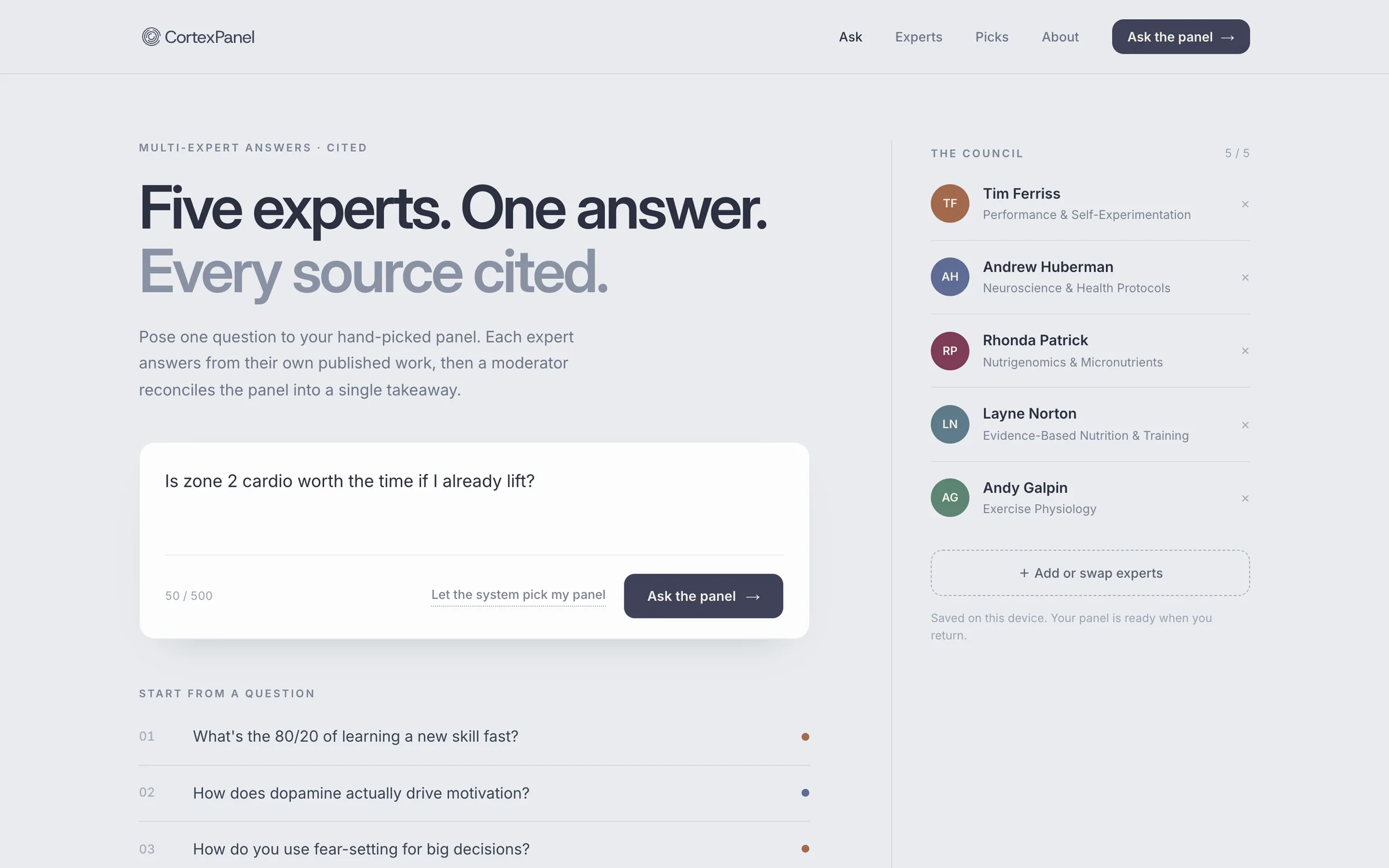
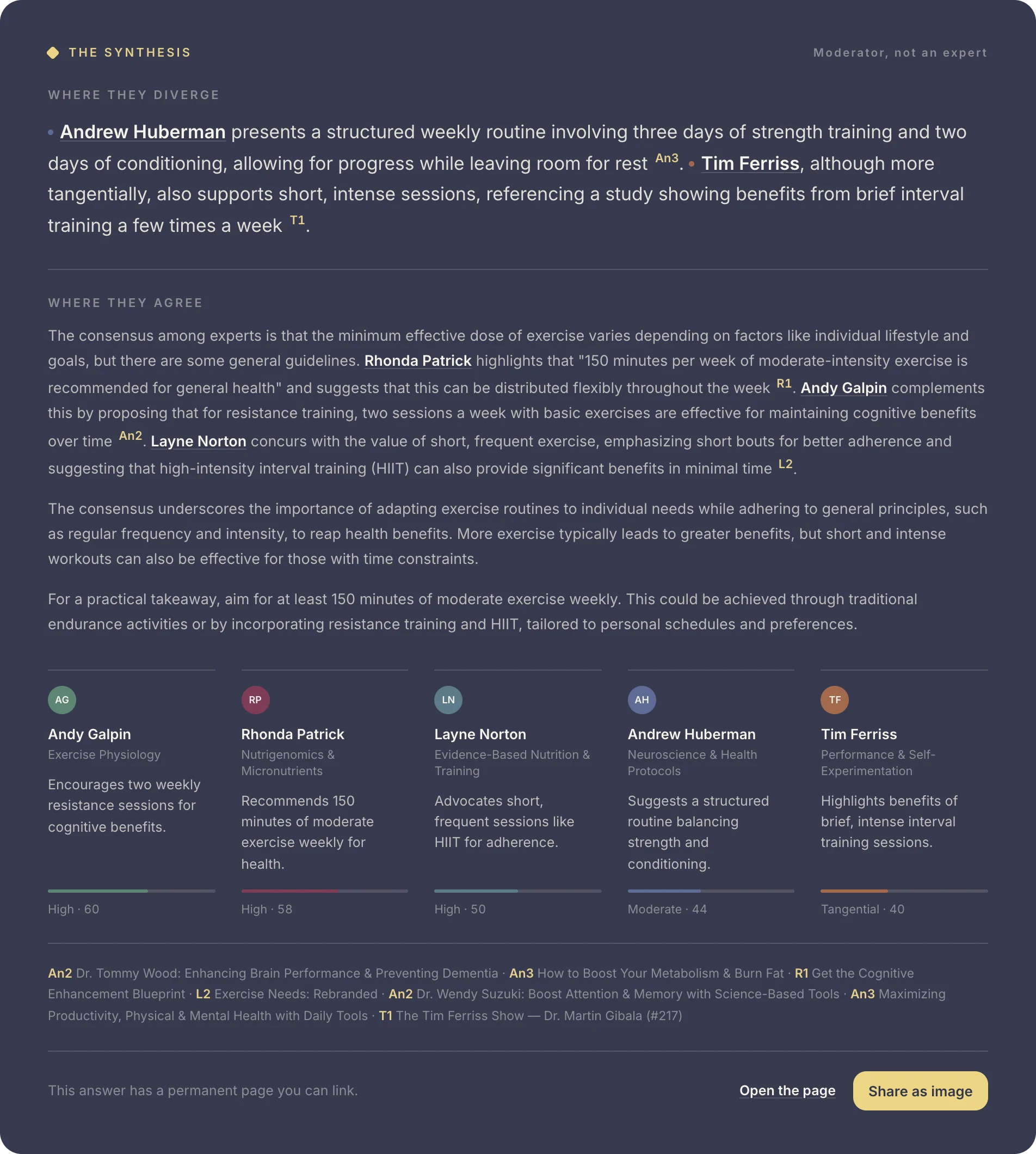
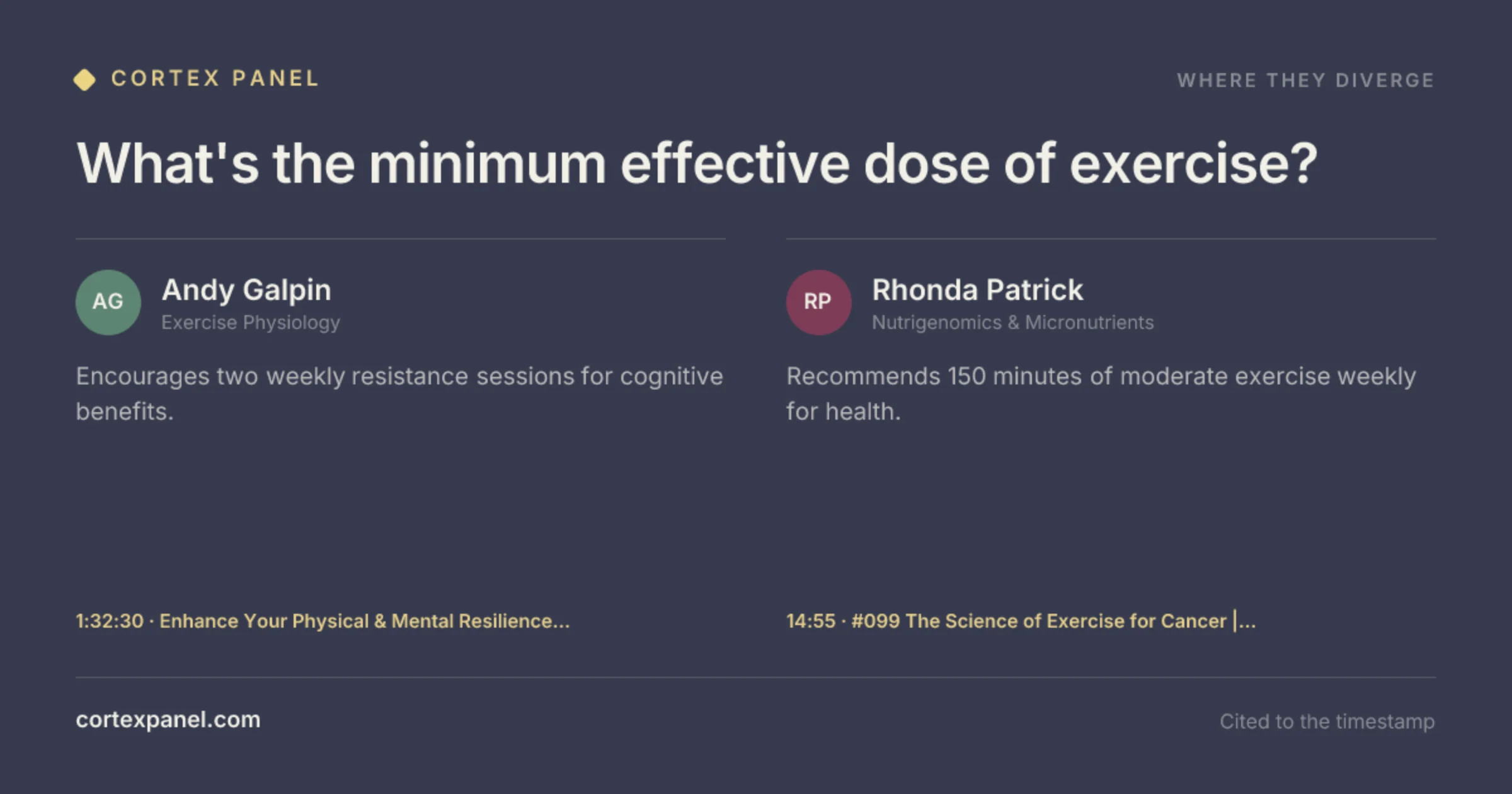
Once the five individual cards finish streaming, the Moderator synthesizes their positions. The synthesis leads with Where they diverge—since clinical disagreements are what a listener cannot get from a single podcast episode—followed by Where they agree, a one-line position summary per expert, and clickable citation keys ([A1], [H2]).
Visually, the Moderator card is the only dark-slate surface on the light paper canvas, and the only component permitted to use the gold accent token. Whenever gold appears on a card, badge, or citation key, it signals that the system’s Moderator is speaking rather than an individual expert.
On-the-record endorsements and cautions
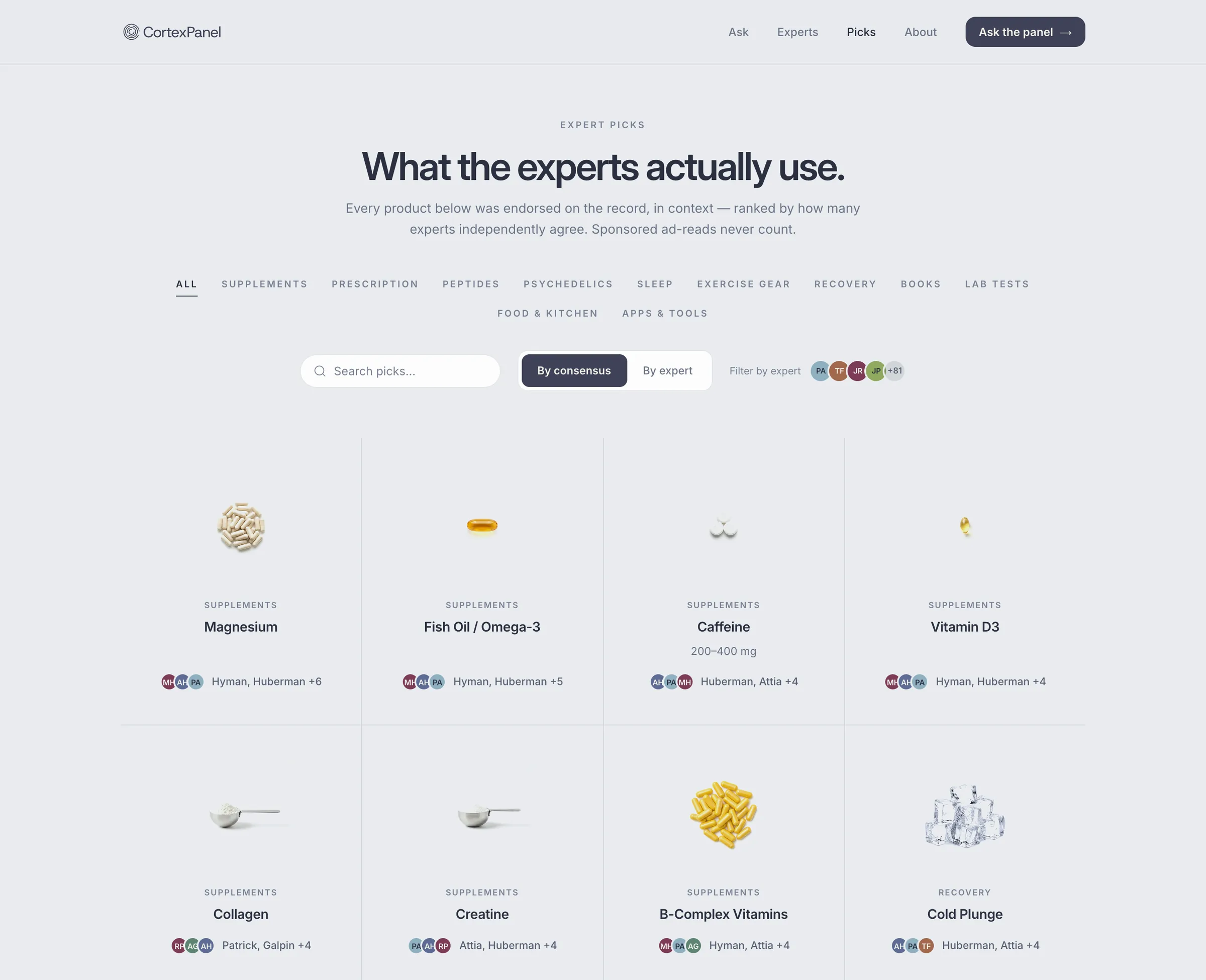
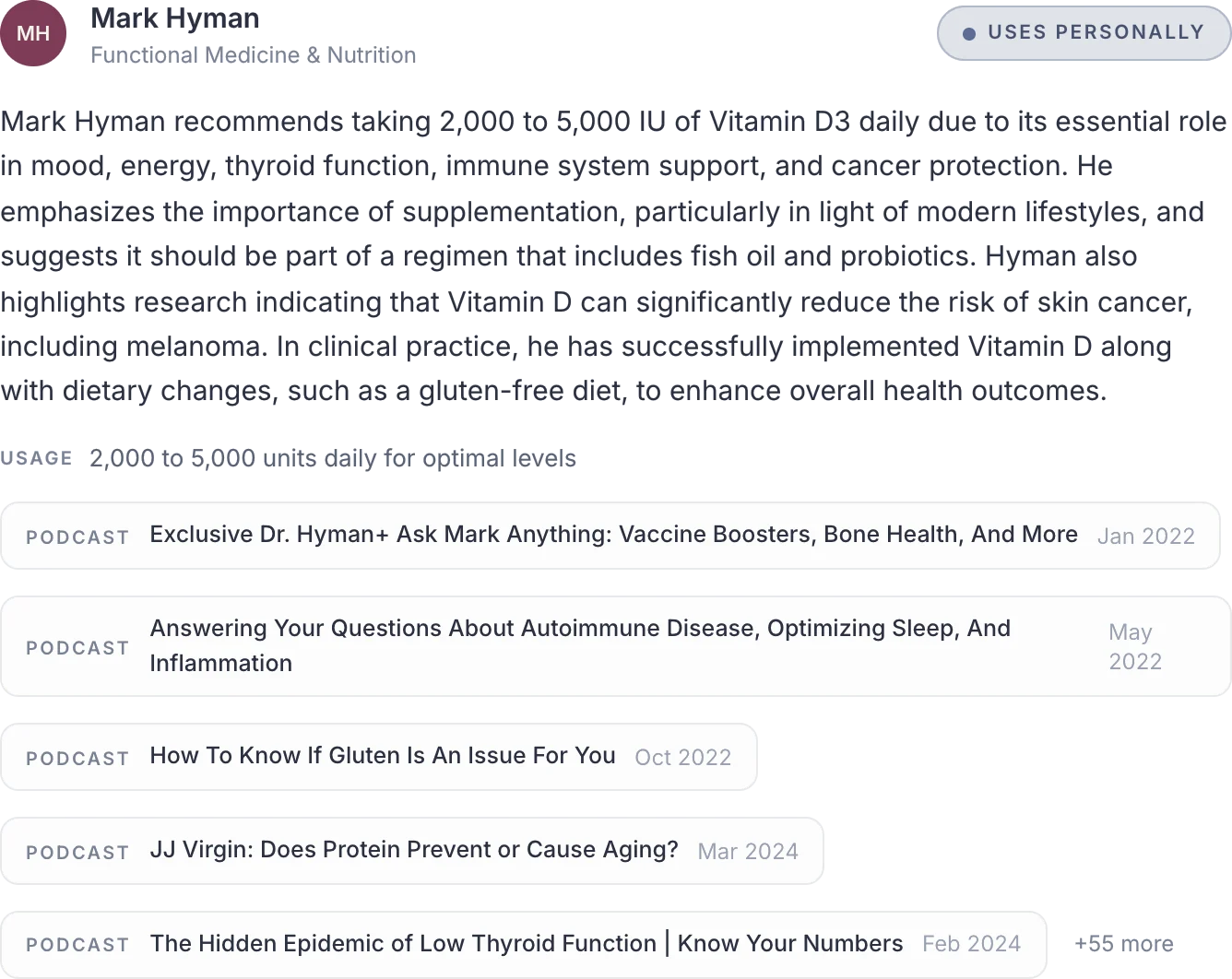
Picks indexes specific supplements, lab tests, wearables, and books that experts have discussed on the record, ranked by how many panel members independently endorse them. Sponsored podcast ad reads are excluded during ingestion so commercial reads never inflate consensus rankings.
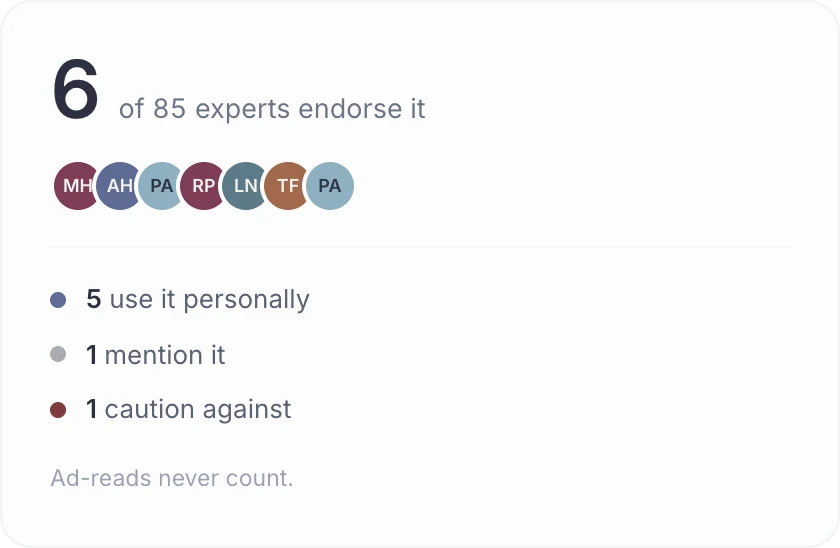
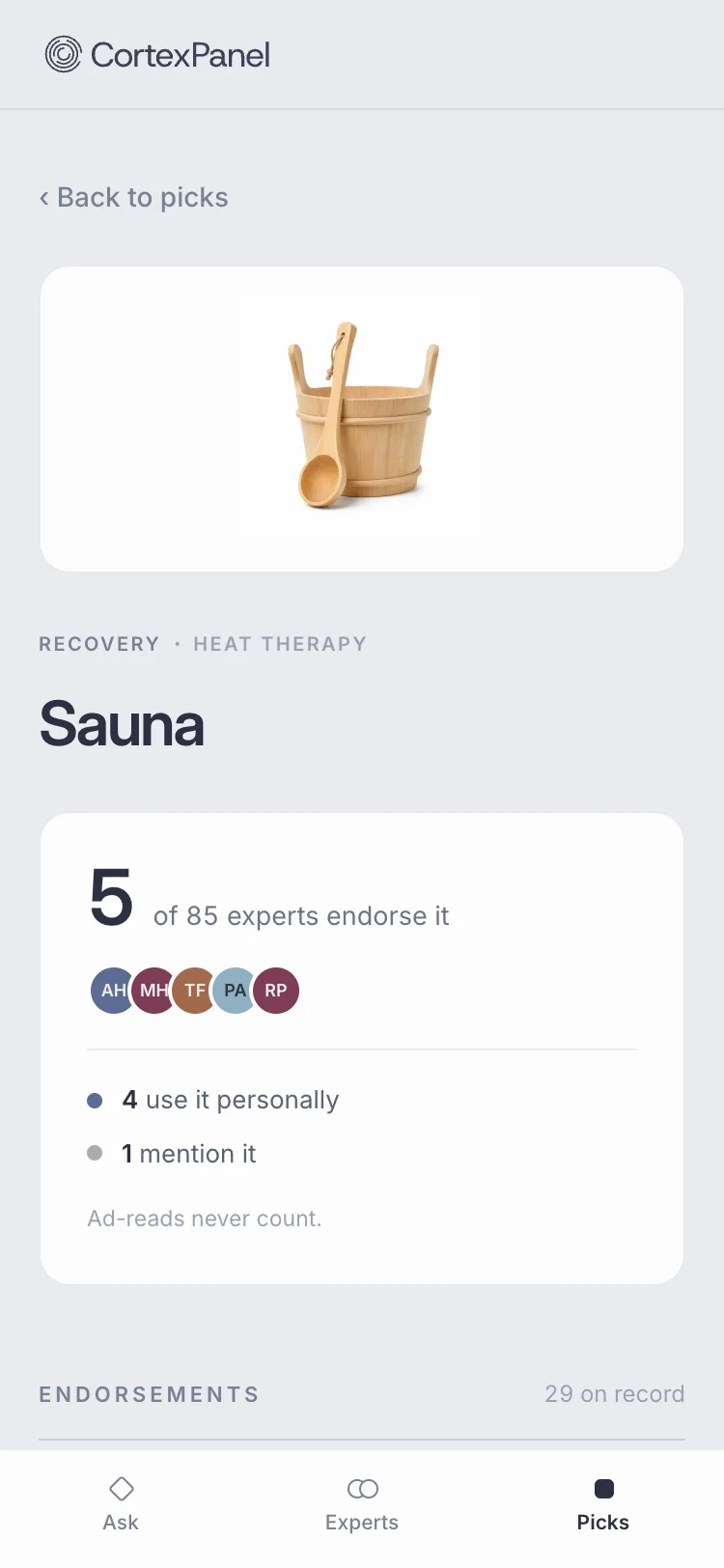
Every mention is classified into one of four sentiment types: Recommends, Uses personally, Mentions, or Cautions. Cautions carry the same visual weight as positive endorsements and sit in the same tally card, allowing readers to browse either by cross-expert consensus or by an individual researcher’s personal stack.

Ledger: the editorial design system
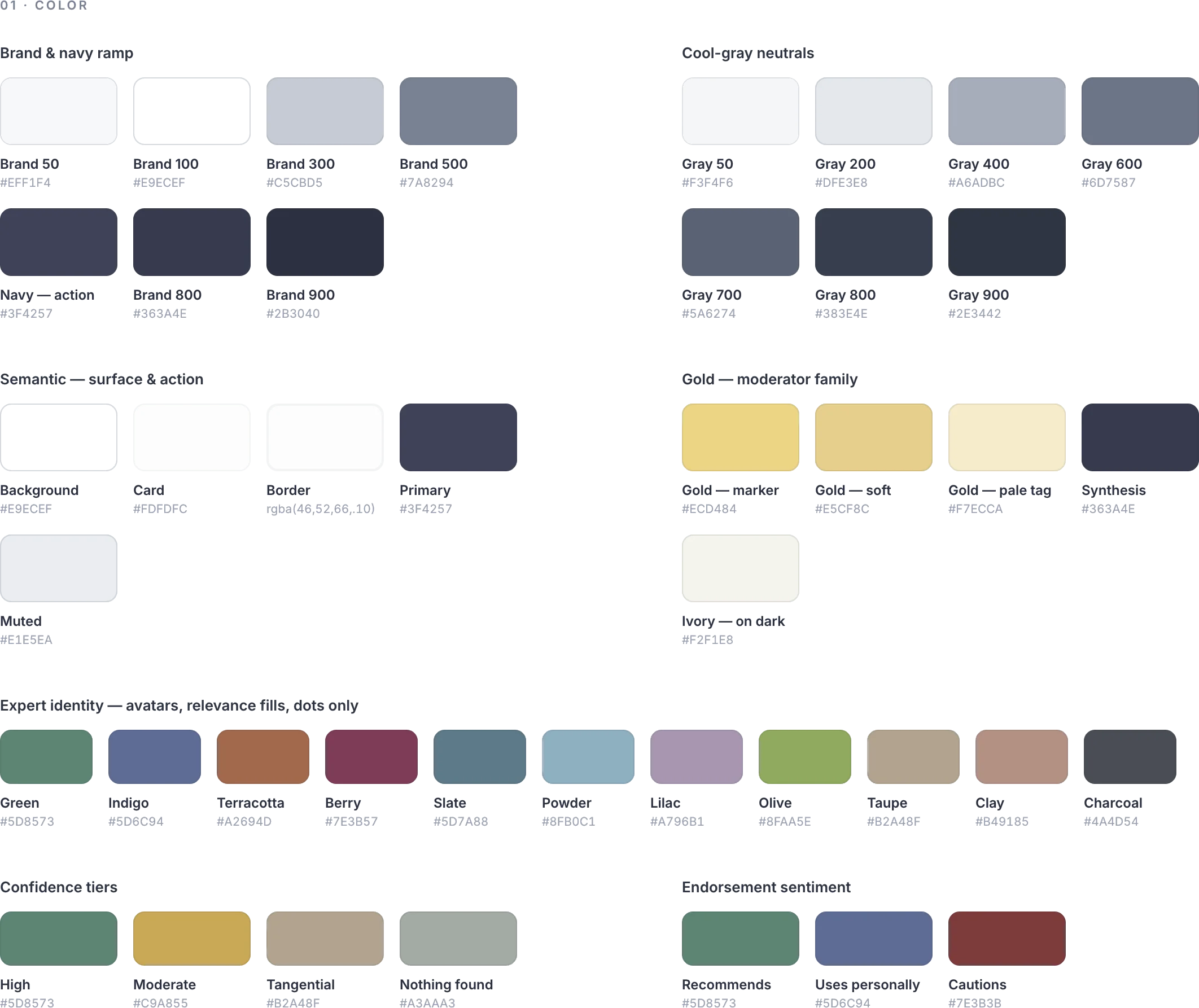
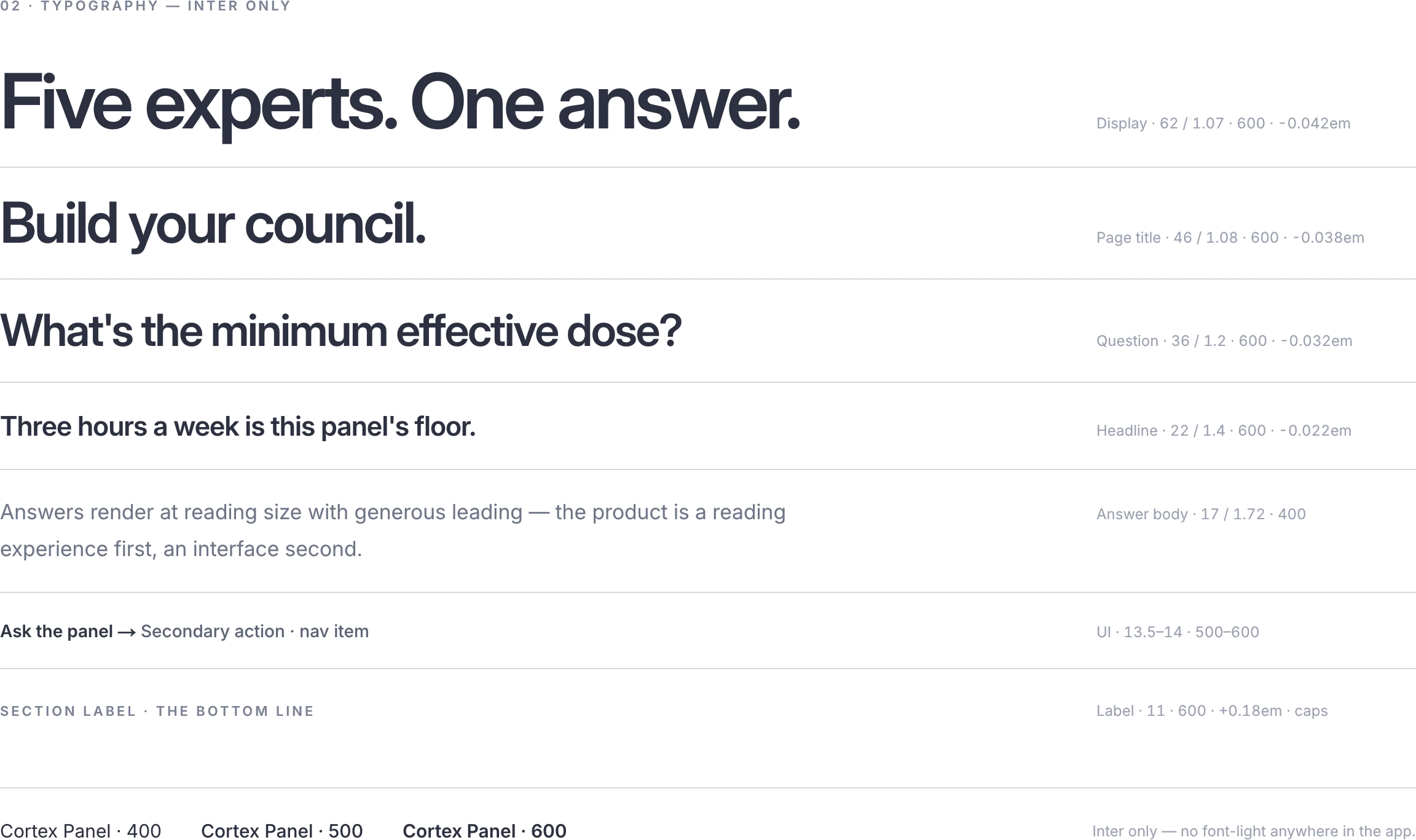
Ledger is the design system built for Cortex Panel. It uses flat color fields, 1px structural hairlines in place of drop shadows, and Inter across three weights. Visual hierarchy comes from typographic scale and surface value rather than decorative color.
Two strict token rules prevent visual noise across multi-expert pages:
- Gold is reserved exclusively for the Moderator.
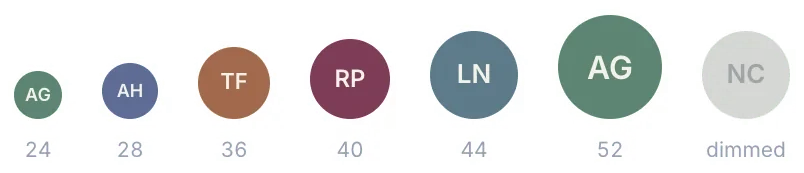
- Each expert’s assigned hue is restricted to three small elements: their avatar circle, their relevance bar fill, and small status dots—never card backgrounds, borders, or body text, ensuring all five seats carry equal visual weight.
The live design system specification is mounted as an interactive route inside the application using the production components.




Verifiable provenance on every view
Every page in Cortex Panel states clearly that responses are compiled from publicly available transcripts and books with independent citations, and that the featured researchers are not affiliated with the site. Rather than burying provenance in a legal footer, the interface puts the source type, confidence tier, and timestamp directly beside every claim.